Secrets AI Video Generator: How It Works, Quality, and Cost
First impression: most AI companion platforms don't do this. Video generation from AI companion images is uncommon in this category — Character.AI doesn't have it, CrushOn AI doesn't have it, Janitor AI doesn't have it. The deeper truth, discovered after running dozens of clips, is that Secrets AI's video generator is genuinely good at what it does, and genuinely expensive in Moments if you use it heavily.
This guide covers the full picture: how the generation workflow works, what quality you can realistically expect, what the cost math looks like by tier, and who should actually use this feature versus who should save their Moments for images or voice. For the broader platform context, the full review covers everything.
What Is the Secrets AI Video Generator?
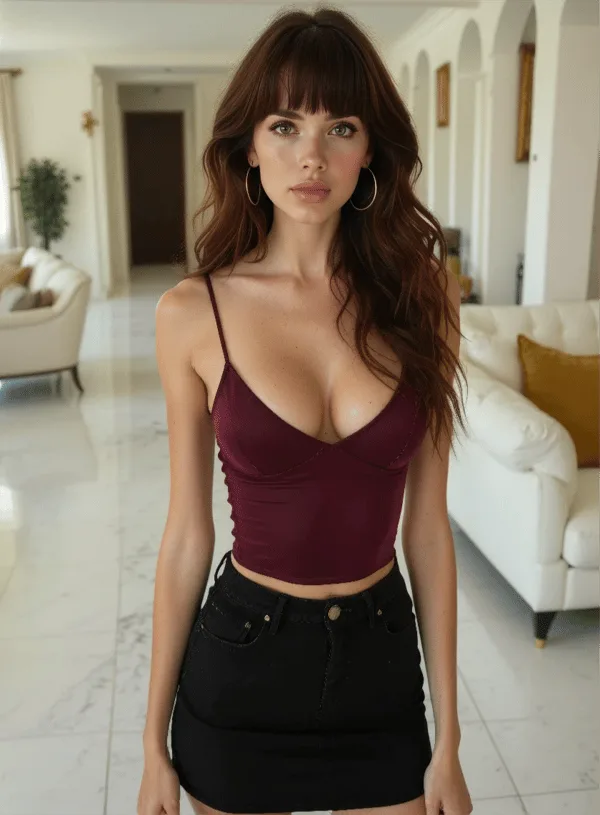
The video generator converts static AI companion images into short animated video clips using prompt-driven artificial intelligence and deep learning models. You select an image of your companion, add a text prompt describing desired movement or action, and the platform produces a video clip — typically in about 2 minutes.
This is a rare feature in the AI companion market. The vast majority of competing platforms generate static images only. Secrets AI's ability to add motion to companion images is a genuine differentiator and the primary reason to choose this platform over equally priced alternatives if visual content matters to you.
The feature is available starting from the Lite plan ($5.99/month). It is not available on the free tier. The free tier's 200 starting Moments don't go far on video anyway — a single full-length clip costs up to 600 Moments.
How Video Generation Works
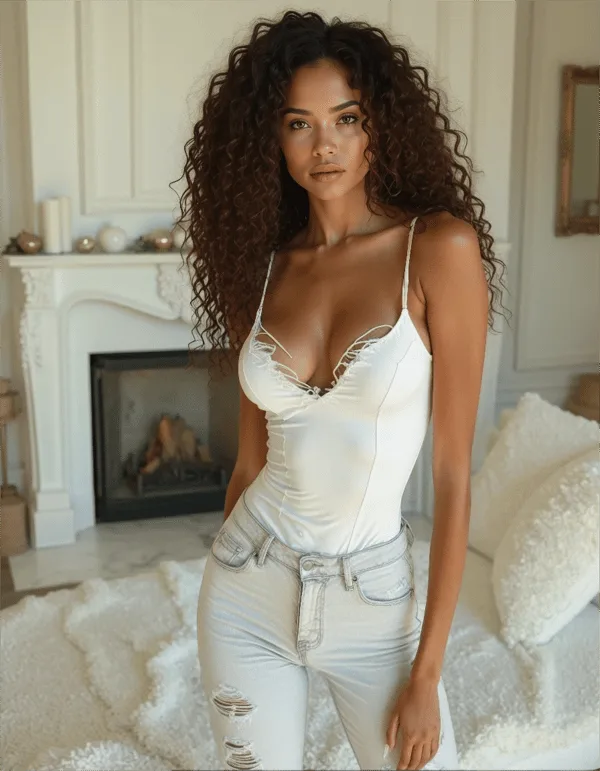
The workflow in four steps:
- Select or generate an image — either use an existing companion image from your library or generate a new one first (25-50 Moments per image)
- Write your prompt — describe the movement, action, or scene you want. Specific, visual prompts ("slowly turning to look over her shoulder, wind in her hair") produce better results than vague ones ("move around")
- Submit and wait — processing takes approximately 2 minutes. The browser tab should stay active during generation
- View and save — the completed clip appears in your chat or media library; download to save locally
Video length by tier:
- Lite: 3-second clips only
- Plus and above: longer, full-length clips
Context-awareness is built into the generation — the video reflects your companion's appearance, the scenario described in your prompt, and the visual style of the source image. The AI does not generate a generic animation; it uses your specific companion's visual identity as the foundation.
Video Quality Assessment
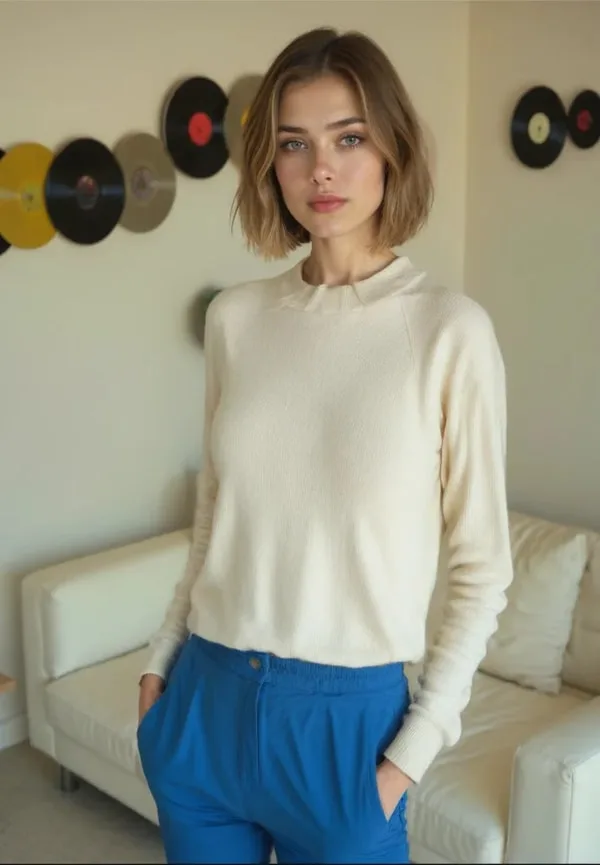
Independent reviewers rate video quality at 4.1/5 — described consistently as "smooth movement and realistic expressions" under standard conditions. In practice:
- Character movement looks natural in most outputs
- Facial expressions animate believably for common actions
- Lighting and texture from the source image are preserved
- Quality improves noticeably with the Premium generation model versus standard
- Complex prompts with multiple simultaneous actions produce more variable results
- Very fast or physically unusual movements occasionally look less realistic
This is AI-generated video — not filmed footage, not rotoscoped animation. The quality benchmark is "does it look like a realistic, smooth motion of this character?" not "does it look like film-quality cinematography?" By that standard, the 4.1/5 rating is accurate. Most outputs look good. Some are very impressive. Occasional outputs have artifacts or awkward transitions, particularly on complex prompts.
For context, among the few competitors with video generation capability, Secrets AI performs comparably. Only platforms like Xotic AI (which offers 4K 15-second clips as a specific feature) exceed it in raw quality ceiling — at higher cost.
How Much Do Videos Cost in Moments?
Video is the most Moments-intensive feature on the platform. Be aware of this before spending.
| Video Type | Moments Cost |
|---|---|
| Short clip (3 seconds) | ~50 Moments |
| Full-length clip | up to 600 Moments |
For comparison, 600 Moments is equivalent to:
- 12-24 images (at 25-50 each)
- 6 minutes of voice calls (at 100/minute)
- 300-600 text messages
Budget impact by subscription tier:
| Tier | Monthly Moments | Short clips (3s) | Full videos |
|---|---|---|---|
| Lite | 1,000 | ~20 clips | ~1-2 videos |
| Plus | 3,000 | ~60 clips | ~5 videos |
| Premium | 8,000 | ~160 clips | ~13 videos |
| Ultimate | 15,000 | ~300 clips | ~25 videos |
These numbers assume you spend all Moments on video. Realistically, a mixed-use month on Premium (~100 images + 5 full videos + 30 min voice) consumes approximately 7,500 Moments — leaving room in the 8,000 allocation.
Key insight for heavy video users: If you plan to generate more than 5 full videos per month, Plus (3,000 Moments) will require frequent top-up purchases. Premium (8,000 Moments) is the realistic minimum for regular video generation without constant budget anxiety.
Top-up bundles are available if you exhaust your monthly allocation: from 1,980 Moments ($5.99) to 118,800 Moments ($249.99). Premium subscribers get a 10% bonus on top-ups; Ultimate subscribers get 15%.
Video vs Images vs Voice — Cost Comparison
| Feature | Moments Cost | Output | Value per Moment |
|---|---|---|---|
| Text message | 1-2 | Text response | Highest |
| Image | 25-50 | Static image | High |
| Short video (3s) | ~50 | Brief motion clip | Medium |
| Full video | up to 600 | Longer motion clip | Lower |
| Voice call | 100/min | Real-time audio | Medium |
For the same 600 Moments, you could get:
- 1 full-length video, OR
- 12-24 images, OR
- 6 minutes of voice calls, OR
- 300-600 text messages
The tradeoff is real: video is the most visually impactful format and the least Moments-efficient. Images are the most budget-efficient visual format. Voice sits in between. Your allocation strategy should match your actual preferences.
Tips for Better Video Results
Practical improvements from testing:
- Use high-quality source images — video quality is bounded by input image quality. Start with an Advanced model image for the best output
- Write specific motion prompts — "slowly raises her hand and waves at the camera, smiling" works better than "wave"
- Start with short clips to test — spend 50 Moments on a 3-second clip to test how your prompt translates before spending 600 on a full video
- Avoid complex multi-action prompts — "walks over to the window, sits down, then looks back over her shoulder" is more likely to produce inconsistent output than a single smooth motion
- Use the Premium generation model — quality improvement is noticeable, particularly for facial animation
- Generate the source image specifically for video — an image that works as a video source needs a clean, uncluttered background and a natural pose as a starting point
Who Should Use the Video Generator?
Worth it if:
- Visual content alongside chat is important to your experience
- You want to generate and save unique clips featuring your specific companion
- You're on Premium or Ultimate and have Moments to spare after regular chat and image use
- You're evaluating Secrets AI vs alternatives and video generation is a differentiator for you
Not worth it if:
- You're on Lite (1,000 Moments/month) and video would dominate your entire budget
- You primarily use the platform for text conversation and the visual layer is secondary
- You're comparing cost-per-entertainment-minute against voice calls (voice is more budget-efficient for the same time investment)
- You have the free tier's 200 starting Moments — don't spend them on video
Best tier for video:
- Moderate use (5-10 full videos/month): Premium ($19.99) — 8,000 Moments handles video alongside image and voice
- Heavy use (20+ full videos/month): Ultimate ($39.99) — 15,000 Moments is the only tier where heavy video is sustainable without frequent top-ups
Competitors with Video Generation
This is one of the most direct competitive advantages Secrets AI holds:
| Platform | Video Generation | Notes |
|---|---|---|
| Secrets AI | Yes | Full feature, 50-600 Moments/clip |
| Character.AI | No | — |
| CrushOn AI | No | — |
| Candy AI | Limited | Less developed than Secrets AI |
| Janitor AI | No | — |
| PocketGirl AI | No | — |
| GirlfriendGPT | No | — |
| Xotic AI | Yes | Higher quality (4K, 15s), higher price |
| SweetDream AI | Yes | Comparable feature set |
Secrets AI video generation is a genuine market differentiator. Among accessible, subscription-based AI companion platforms, it is one of the few with a working, integrated video feature. If visual generation — especially video — is part of what you're evaluating, this is currently a space where Secrets AI has few direct competitors at comparable price points.
For a full breakdown of Moments costs and which tier suits your usage, see the pricing guide and the free vs premium comparison.
FAQ
Lite plan subscribers generate 3-second clips. Plus, Premium, and Ultimate subscribers can generate full-length clips that run longer — the exact maximum length isn't publicly specified, but the pricing differential between "short clip" (~50 Moments) and "full video" (up to 600 Moments) reflects meaningful length difference. For longer, cinematic-quality clips, the free-to-paid tier progression is significant.
No. Video generation requires at least the Lite plan ($5.99/month). The free tier's 200 starting Moments also wouldn't stretch far on video — a single full-length clip costs up to 600 Moments. Free tier access is limited to text chat and character browsing; image and video generation are paid-tier features.
It depends on your tier and whether you generate short clips or full-length videos. On Plus (3,000 Moments): approximately 5 full videos or 60 short clips if you allocate all Moments to video. On Premium (8,000 Moments): approximately 13 full videos or 160 short clips. On Ultimate (15,000 Moments): approximately 25 full videos or 300 short clips. In practice, most users mix video with image generation and voice, so realistic video counts are lower than these maximums.
Quality is rated 4.1/5 by independent reviewers. Most outputs show natural character movement and realistic facial expressions. The quality is "good and smooth most of the time" rather than film-quality or perfect. Complex multi-action prompts produce more variable results than simple, single-motion prompts. Using the Premium generation model and starting from a high-quality source image produces the best outputs. The realism ceiling is AI-generated video — visually impressive and immersive, not indistinguishable from filmed footage.